Configure an LLM provider
Point Nightingale at OpenAI-compatible, Anthropic or self-hosted models; keys, base URLs and model selection.
Last reviewed
Where this page ends: one LLM config that passed Test connection, is enabled, and carries the Default tag — which is the prerequisite for every AI feature in the product.
Where the page is
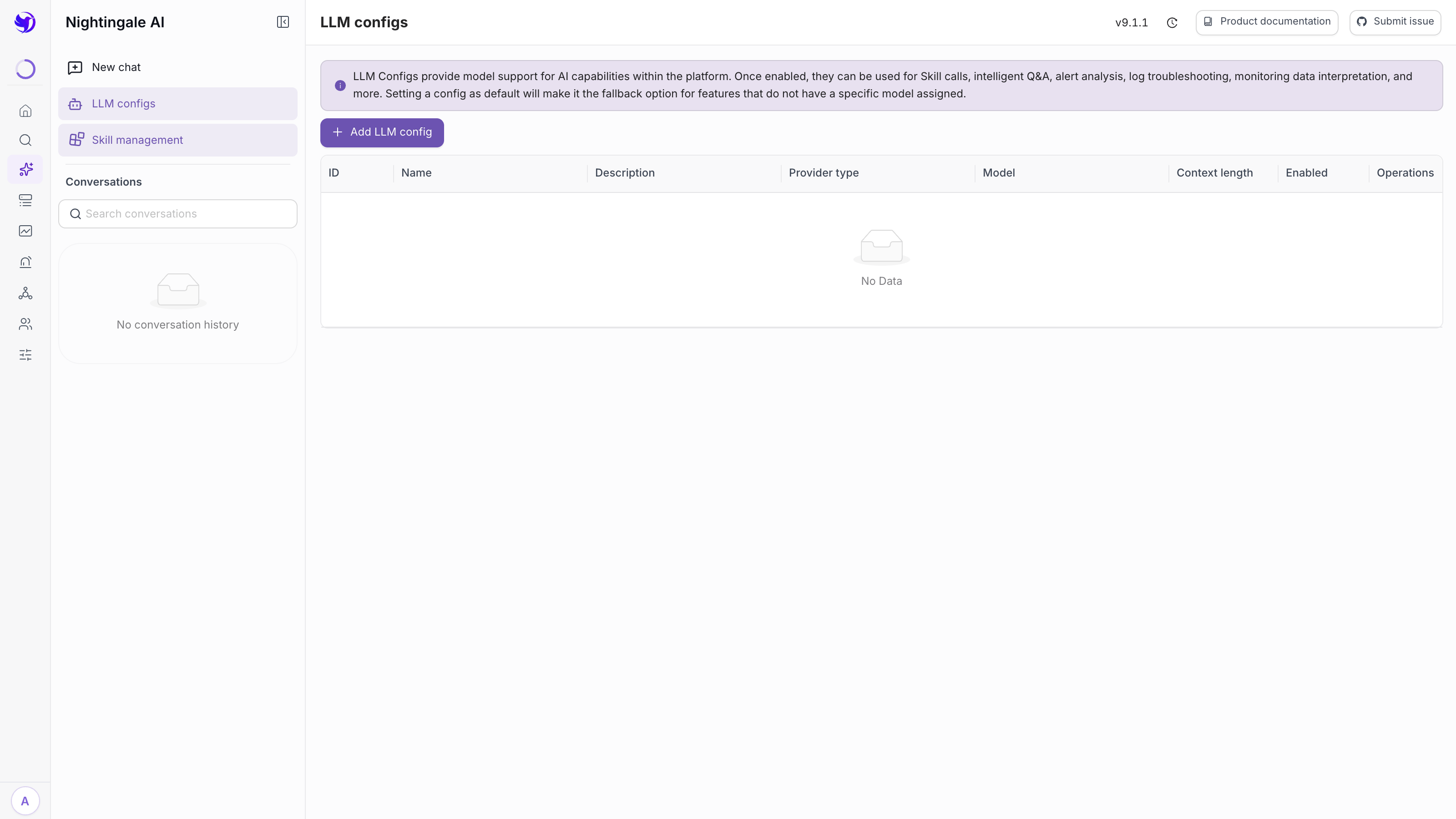
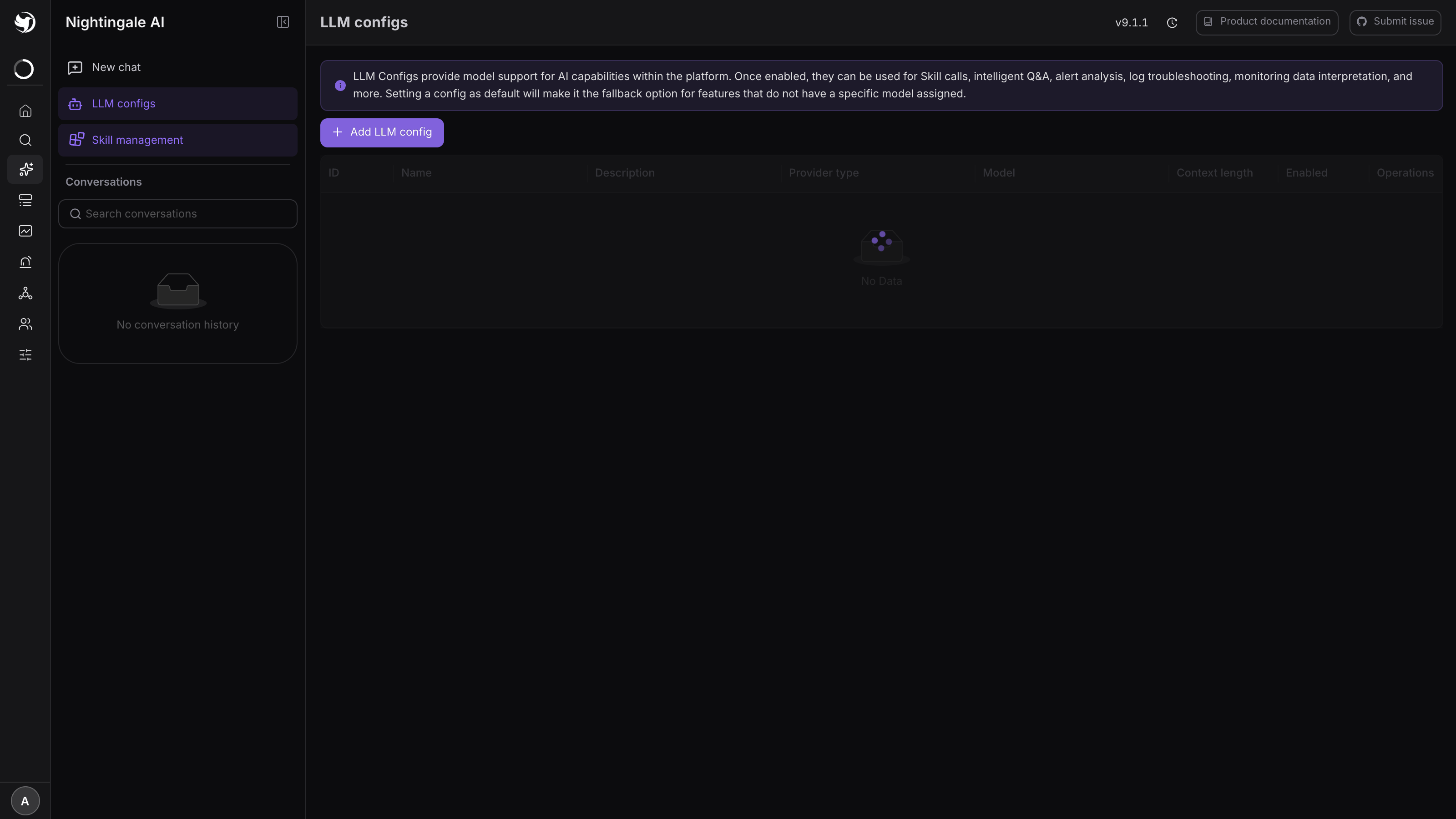
Nightingale AI → LLM configs, at /nightingale-ai/llm-configs. There is no top-level menu
item for it; the older address /ai-config/llm-configs redirects here.
The page is guarded by the permission point /ai-config/llm-configs, which neither Standard
nor Guest holds. So: an Admin, or a custom role you granted that point to under
Organization → Roles.
Nothing about the model lives in etc/config.toml — a config is a database row, so adding or
editing one takes effect on the next question with no restart.
Three provider types
| Provider type | Protocol | What you point it at |
|---|---|---|
| OpenAI compatible | OpenAI Chat Completions | OpenAI, Azure OpenAI, DeepSeek, DashScope compatible mode, Volcengine Ark, Zhipu GLM, Kimi, and self-hosted vLLM or Ollama |
| Anthropic Claude | Anthropic Messages | Claude, and gateways that reimplement that API |
| Google Gemini | Gemini generateContent | Google AI Studio |
Anything exposing /v1/chat/completions is "OpenAI compatible", including models you host
yourself. Nightingale has no model service of its own: the address you type here is the only
place your monitoring data is sent, so an Ollama or vLLM inside your network keeps it in the
perimeter entirely.
Fill in the form
Click Add LLM config. Five fields are required:
| Field | Notes |
|---|---|
| Name | Yours to choose. provider-model reads well in the list, e.g. openai-gpt-4o |
| Provider type | One of the three above; defaults to OpenAI compatible |
| Model | The model id, passed to the provider verbatim, so it has to match their spelling exactly. Azure wants the deployment name; Volcengine Ark wants the endpoint id |
| API URL | The version root, not the chat path — see below |
| API Key | Stored masked: the list and the edit form show it as sk-a****wxyz |
Beside them sit two switches — Enabled (on by default) and Default (off, covered below) — and a free-text Description.
What goes in API URL
Type the version root and let Nightingale append the rest:
| Service | API URL |
|---|---|
| OpenAI | https://api.openai.com/v1 |
| DeepSeek | https://api.deepseek.com |
| DashScope compatible mode | https://dashscope.aliyuncs.com/compatible-mode/v1 |
| Ollama on the same host | http://localhost:11434/v1 |
| Anthropic | https://api.anthropic.com |
| Google Gemini | https://generativelanguage.googleapis.com |
| Azure OpenAI | https://RESOURCE.openai.azure.com/openai/deployments/DEPLOYMENT |
An address that already ends in /chat/completions — or /v1/messages for Claude — is left
alone, so a complete endpoint works too. Azure additionally needs its api-version, which goes in
Custom params below.
API Key is required even where the service ignores it. Ollama accepts any non-empty string.
Advanced settings
All optional, and each belongs to this one config rather than to the instance:
| Field | When you need it |
|---|---|
| Timeout (seconds) | A slow or large-context model. Chat allows 120 seconds when this is empty |
| Skip TLS verify | A self-signed gateway on your own network. Never for a public endpoint |
| Proxy | http://proxy.example.com:8080, when the Nightingale host has no route out |
| Custom headers | A gateway that wants an extra header alongside the key |
| Custom params (JSON) | Merged into the request body: {"top_p": 0.9}, Azure's api-version, or a vendor's switch for turning reasoning off. Must parse as JSON or the form refuses to save |
| Temperature | 0–2. Alert analysis wants the low end |
| Max tokens | Cap on a single reply |
| Context length | The model's window in tokens. Nightingale sizes how much conversation history it sends from this number; empty means a fixed 96 KiB budget |
Gemini reads only thinking_config out of custom params and ignores the rest; for the other two
the whole object is merged into the request body.
Test connection, then save
The drawer's footer is Cancel / Test connection / Save. Test sends one real one-word question to the address in the form — including a key you have not saved yet — and reports back.
Expected result: a Connection successful dialog with the round trip in milliseconds. A failure dialog names the kind: authentication, endpoint not found, rate limited, or a reply with no content. Fix it before saving; a config that only fails at question time is much harder to read.
Make one the default
Default decides which model everything without its own binding uses — chat, skills, and the AI buttons on the alert rule, dashboard and notification template forms. The first config you create becomes the default automatically; after that, switching Default on for one config switches it off for the others inside a single transaction, so there is always exactly one.
Expected result: a purple Default tag on that row.
The list
Columns are ID, Name, Description, Provider type, Model, Context length, Enabled and Operations.
- Enabled is a switch you flip in place; a disabled config is used by nothing.
- Delete is greyed out while a config is enabled — turn the switch off first. Rows created by
systemcannot be deleted at all. - Editing without retyping the key is fine: leave the masked value alone and the stored key is kept.
Verify
Open Nightingale AI → New chat and ask something that needs no data:
What can you do?
Expected result: a streamed answer. A card reading No LLM configured in the current environment instead means no config is both enabled and default — go back and check both switches.
Then ask something that needs your data, which exercises the tool-calling half as well:
Which alerts are firing right now?
Next
- What the assistant does with the model: Nightingale AI overview
- Teach it your team's methods: Install, manage and write Skills
- When it errors: AI / Skill / MCP troubleshooting