Test fire a rule
Fire a rule on demand to check the query, labels and the rendered notification before it goes live.
Last reviewed
Where this page ends: you press one button on the rule form and get a six-stage report — did the query work, what would the event look like, would a mute rule swallow it, and did the message actually reach a person. No waiting for the metric to misbehave.
Run it
Test fire sits at the bottom of the alert rule form, next to Save. The rule does not have to be saved first — the test runs against whatever is currently in the form.
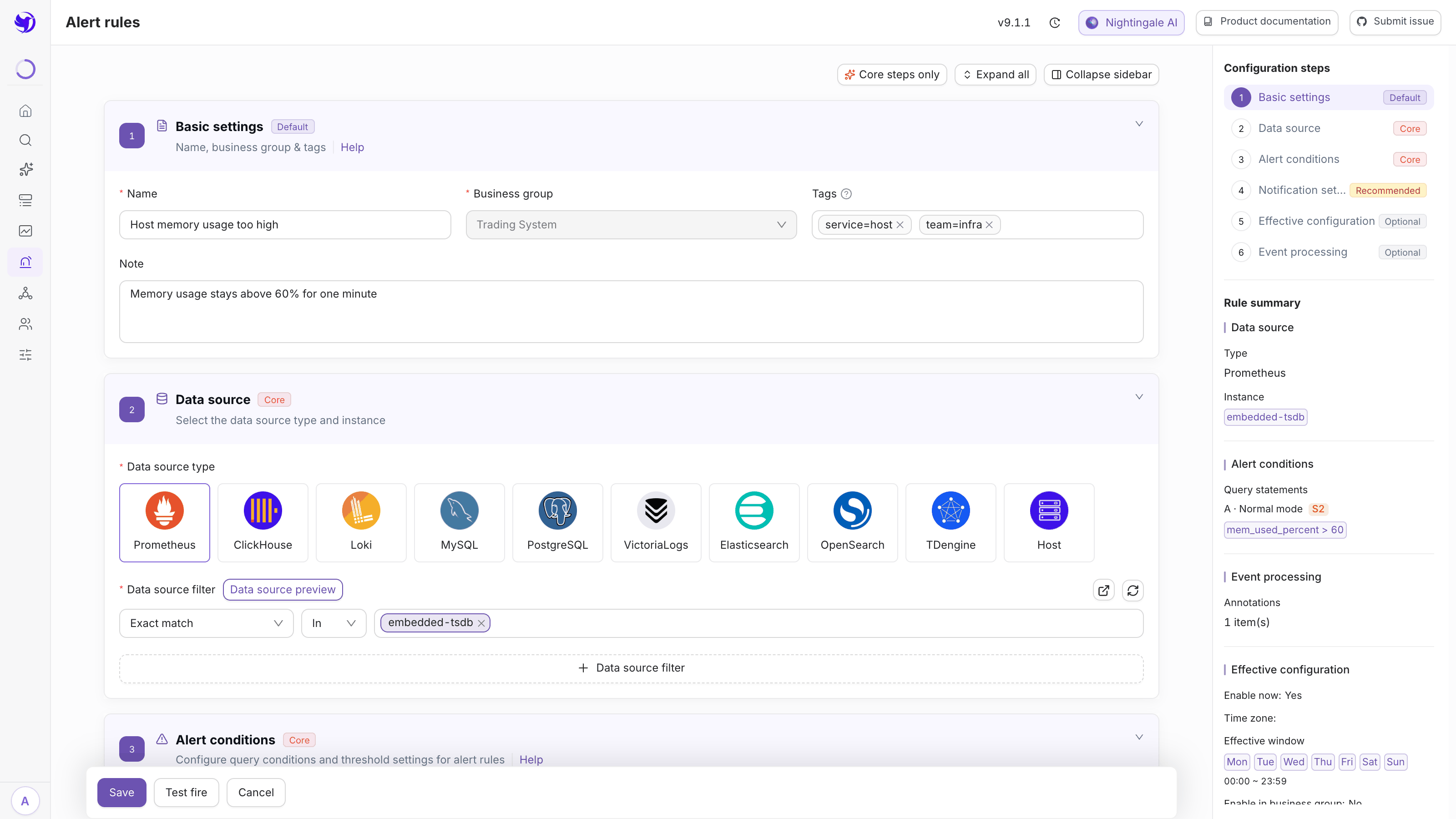
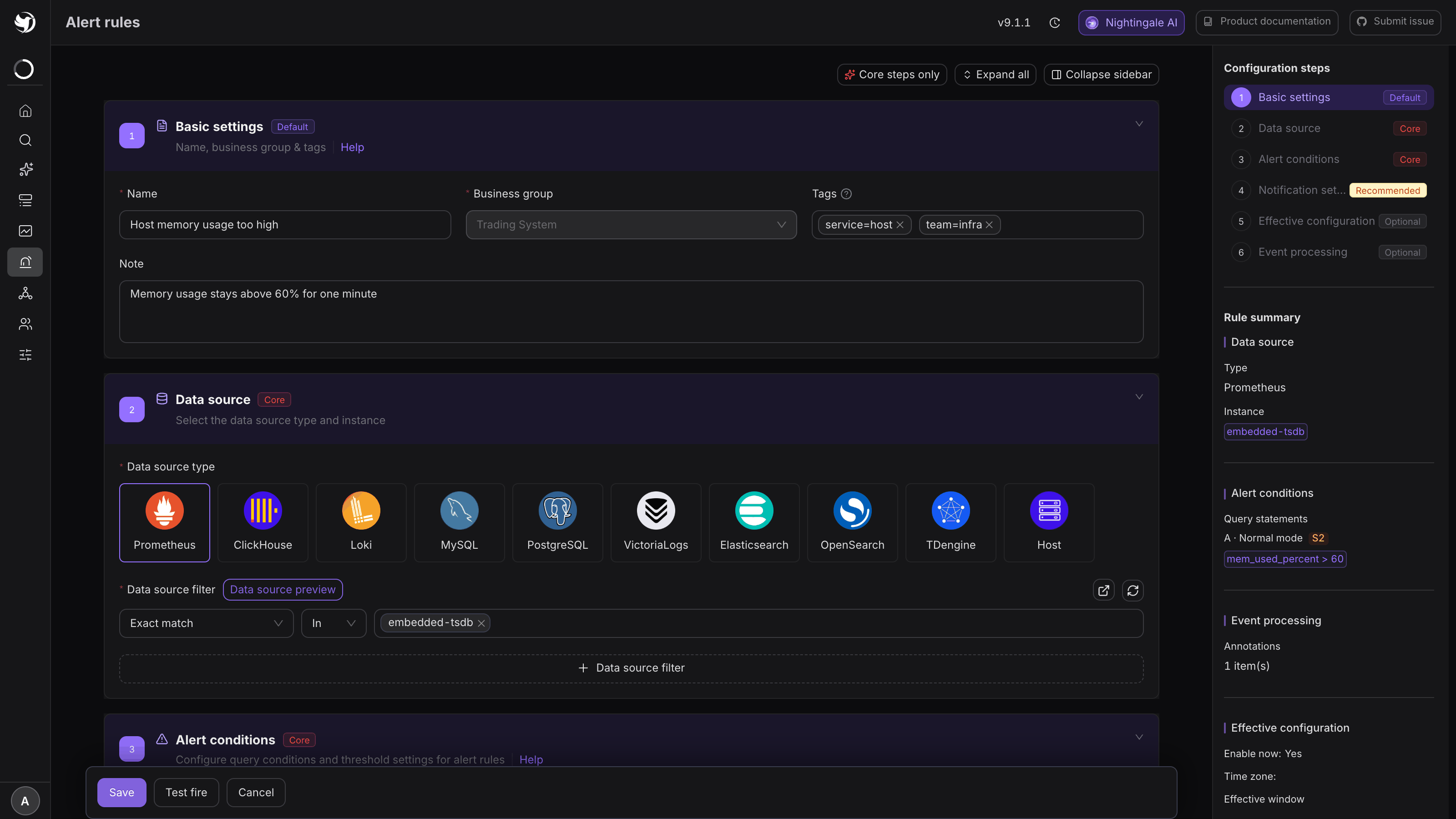
A small dialog asks for four things:
| Field | What it does |
|---|---|
| Severity | Which severity to synthesize. A rule with only one severity fills this in and says so; a rule with several thresholds asks which one to simulate |
| Event type | Trigger or Recovery. Recovery warns you if the rule has recovery notifications switched off |
| Sample data | For Prometheus rules you can pick a data source and let it run the query and take the first real series. Other types sample automatically. If the query returns nothing, a built-in mock value is used |
| Dry run | Checked: every stage is evaluated but nothing is sent. Unchecked: a real notification goes to the real recipients, prefixed with [TEST] |
Leave Dry run on for the first pass. Turn it off only when you specifically want to prove the message arrives.
Click Run test. Expected result: a vertical list of six stages, each with a status tag — Pass, Warning, Failed or Skipped.
What the six stages check
| Stage | What actually happens |
|---|---|
| Query & trigger check | The rule's queries are really executed. Each one reports how many series came back and the latest value. Trigger expressions are checked for missing references, syntax errors, and then evaluated against the real data |
| Synthesize event | An event is built from the sampled series, with annotations and the rule name rendered through their templates. Template errors show up here |
| Effective check | The same pre-checks the engine does: is the rule enabled, is now inside the effective window, does the event's host still exist, does the business group match |
| Event pipeline | The pipelines attached to the rule are really run, in order. A pipeline that drops the event ends the report there |
| Mute check | Mute rules are matched. A hit is reported as a warning but does not stop the test, so you can still verify the notification config |
| Notification | Each notification rule on the event is matched, and — unless you are dry running — the message is really sent |
At the bottom, Synthetic event detail expands to the full event as it was synthesized: labels, annotations, trigger value, everything a notification template would see.
What it does and does not touch
Read this before unchecking Dry run.
It does not:
- write the event to the database — the synthetic event has no id and appears in neither the active nor the historical event list;
- go through the real event queue, so no callbacks, no self-healing tasks, no global webhook;
- write a notification record.
It does:
- run the queries for real, against the real data source;
- run the event pipelines for real — if a processor of yours calls an external system, it will be called;
- send real notifications to the real recipients when Dry run is off. Messages are prefixed with
[TEST], which is the only thing distinguishing them on the receiving end.
A test is limited to one run every 10 seconds per user per business group.
Reading a failure
The stage that goes red tells you where to look, and the description line usually tells you exactly what is wrong:
- Query is valid but returned no data — the rule's query is not returning what you think. This is the most common outcome and it is not a failure of the test; go fix the query.
- Referenced query A does not exist / Expression syntax error — the trigger expression refers to a query alias that is not there, or does not parse. The real engine treats an unparseable expression as "not met" and stays silent, which is why this is worth catching here.
- Rule is disabled or Current time is outside the effective time span — the rule would never produce an event as configured, whatever the metric does.
- Matched mute rule "X" — the mute rule's own description tells you whether it kills the event or only the notification.
- No notification rule configured — the event would fire and nobody would hear about it.
Two caveats on the query stage. A rule matching several data sources is only checked against the first one — real evaluation runs each source separately. And queries that use variables are skipped, because the check cannot expand them.
After it passes
Test fire proves the configuration is coherent. It does not prove the threshold is right — for that, save the rule, let it evaluate for real, and read the evaluation records to see what the query returns cycle by cycle.
Next
- See real evaluations: Inspect evaluation execution records
- Get the message right: Templates and variables
- Prove the channel works too: Test a notification end to end