Roles and permission matrix
Built-in roles, custom roles, and which menu and API operations each grants.
Last reviewed
Roles govern layer one of the permission model: which pages you can open and which endpoints you can call. Which data you may act on is layer two, decided by business-group membership, and the two are ANDed. This page covers layer one only.
What a permission point looks like
A role is a set of "permission points". A point's name looks like a route, but it is a marker on a backend endpoint, not a URL:
/alert-rules        view alert rules
/alert-rules/add    create
/alert-rules/put    edit
/alert-rules/del    delete
Most resources follow that same view / add / put / del quartet. A handful of points that exist on
their own — /alert-his-events or /system/site-settings, say — only control whether a menu item
appears; the backend will not reject a request for lack of one.
Under Organization → Roles the points are collapsed into 7 groups:
| Group | Points | Covers |
|---|---|---|
| Infrastructure | 4 | Viewing, editing and deleting hosts, and claiming ungrouped ones |
| Explorer | 20 | Metrics, logs, quick view, built-in metrics, recording rules, index patterns, dashboards |
| alerting | 22 | Alert rules, muting, subscriptions, self-healing scripts and tasks, active and historical events |
| Notification | 18 | Notification rules, media types, message templates, workflows |
| Integrations | 9 | Data sources, components, embedded products |
| Organization | 16 | Users, teams, business groups, roles |
| System Settings | 7 | Site, variables, SSO, alerting engines, about, LLM configs, skill management |
96 in total. The point-by-point table — which built-in role holds each one, and which endpoints it guards — is in Permission matrix.
Three built-in roles
| Role | Reach |
|---|---|
Admin | Skips the permission check, equivalent to holding all 96; also not bounded by business groups |
Standard | 53 points. Enough for daily work, but holds no notification, data source, system settings or role management points |
Guest | 6 points, all read: metrics, quick view, logs, traces, plus two help pages |
A user can hold several roles at once; the effective permission is the union.
What Standard does not get is worth memorising, because it rarely matches what the name
suggests: /notification-rules, /notification-channels, /notification-templates,
/event-pipelines, /datasources, /components, /embedded-products, /roles, /system/* and
/users/add|put|del. A Standard user can write alert rules but cannot configure a notification
medium, and cannot even see the data source list. Widening that means a custom role.
Build a custom role
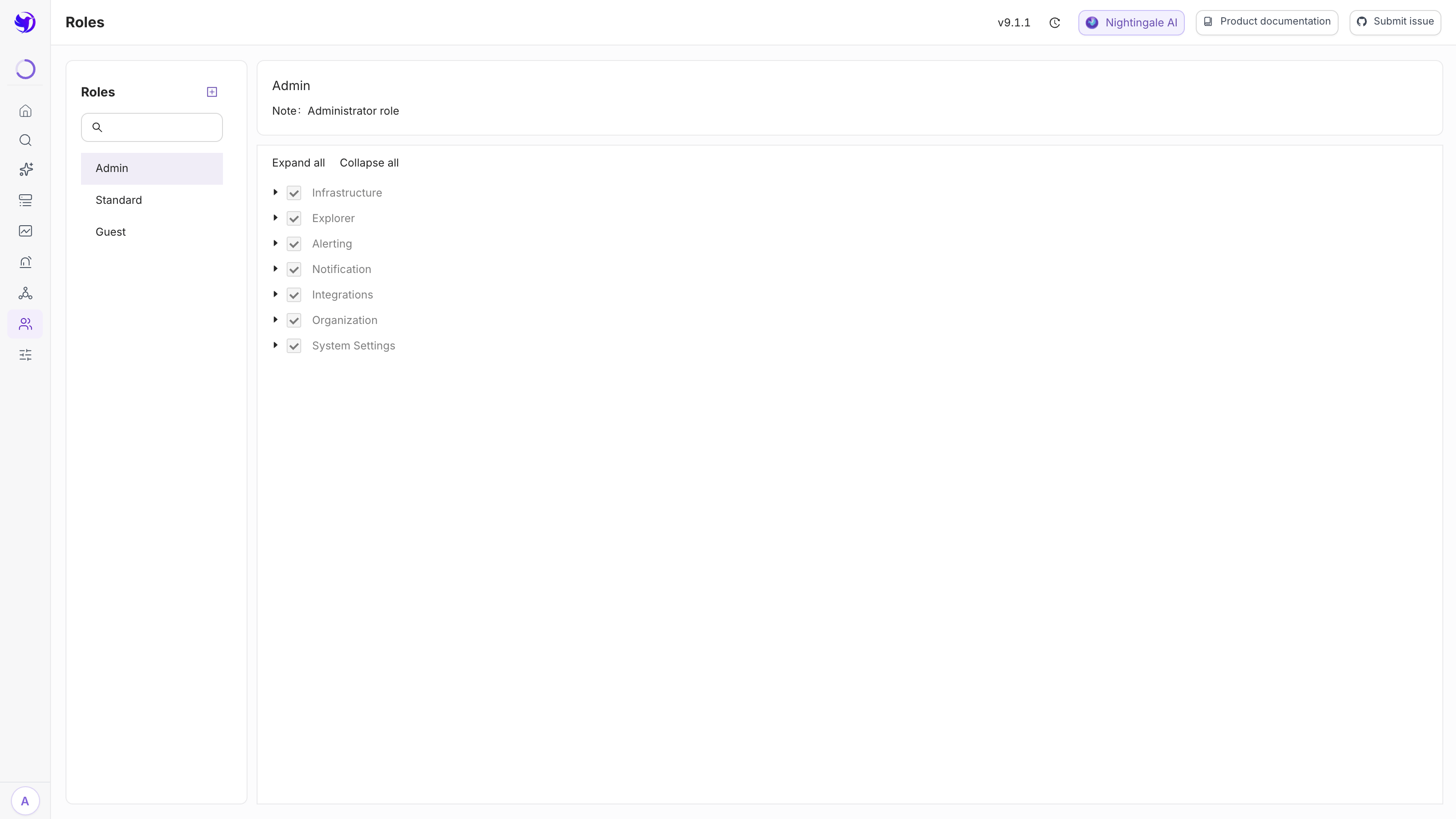
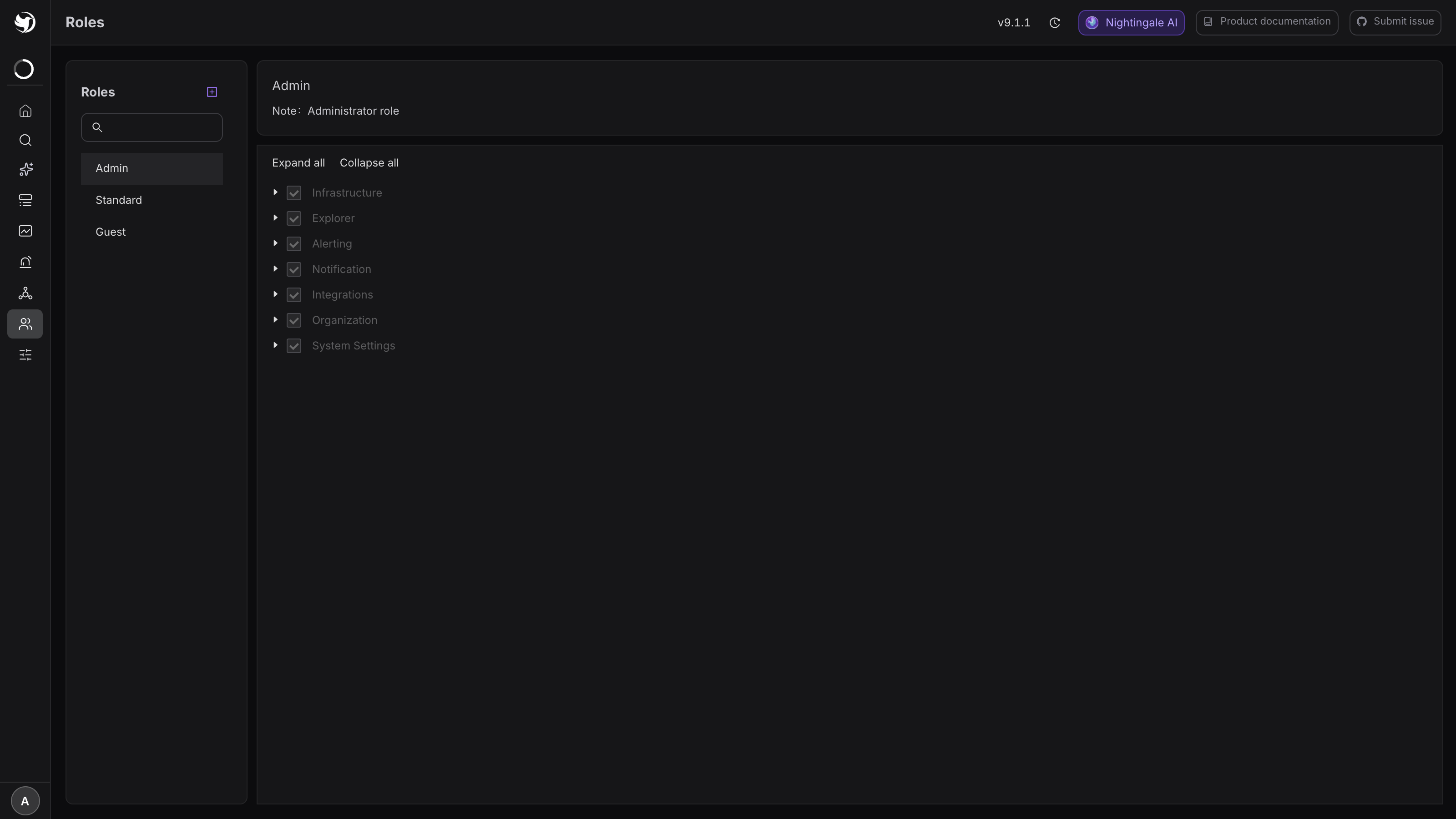
- Organization → Roles, then the + next to the Role list heading on the left.
- Enter a name and a note. The name is the string shown in the user form — keep it ASCII and without spaces.
- Save, select it on the left, then tick permission points on the right. Expand all / Collapse all helps you scan through them.
- Click Save below the permission tree and confirm in the dialog. The button does not appear
while
Adminis selected.
Expected result: the change takes effect at the endpoint layer immediately, with no process restart. Attach the role to a user, and after a page refresh their sidebar holds only the menus you ticked.
Subtracting is safer than adding: start from Guest's 6 points and add what is missing. Ticking
everything Standard has and then removing points makes it easy to leave one write permission
behind.
A few counter-intuitive corners
- The
Adminrole cannot be edited. Its points are ticked and greyed out in the UI, and the endpoint refuses outright (admin role can not be modified). For a "weaker administrator", create a new role. Standardholds the full/busi-groupscreate/edit/delete set. Out of the box an ordinary user can create business groups, and delete the ones they have rights to. Locking that down means a custom role with those four points removed./alert-mutesis missing itsput.Standardhasaddanddelbut notput— muting rules can be created and deleted, but not edited. That is a historical quirk of the seed data, not a design decision.- Only
Admincan change data sources. The/datasourcespoint governs only whether the data source list page is reachable; create, edit and delete all requireAdmin, and records returned to a non-admin have their addresses, headers, certificates and credentials stripped out. - System settings points behave the same way.
/system/site-settingsand/system/sso-settingsgovern menu visibility; the actual save requiresAdmin. Variable settings are the exception — see Site and user variables.
Next
- The full point-by-point table: Permission matrix
- Configuring layer two: Business group authorization
- How the two layers combine: Authentication, tokens and RBAC model