Site and user variable settings
Site-wide settings and encrypted variables that templates and integrations can reference.
Where this page ends: a credential stored in the database whose plaintext never shows up in the UI again, a way to reference it from a notification medium, and a field-by-field reading of Site settings.
Both live under System, but they do different jobs: Variable settings holds values (mostly credentials), while Site settings controls how the system looks and what it logs.
1. Create a variable
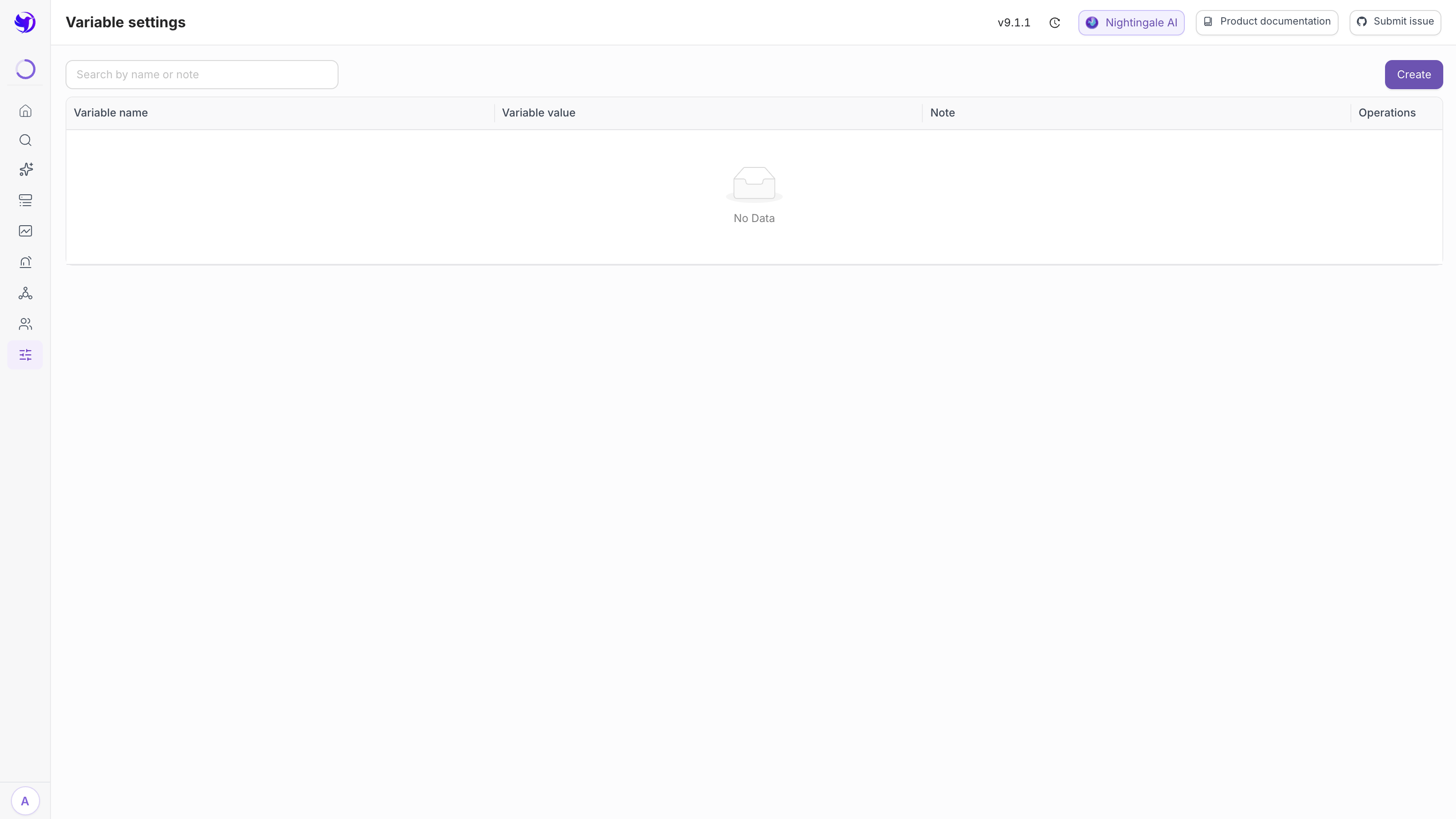
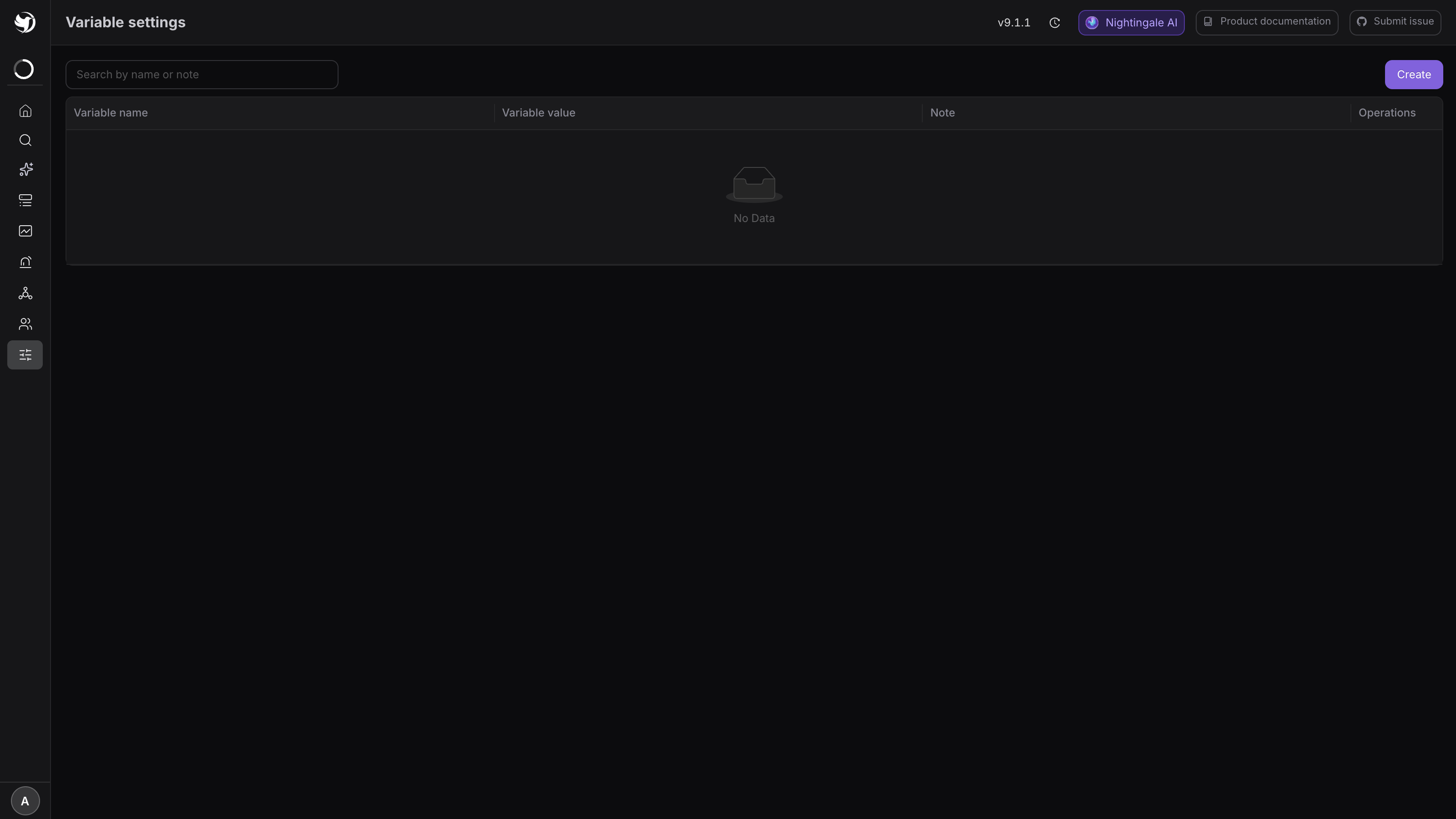
System → Variable (/system/variable-settings), then Create at the top right.
| Field | Notes |
|---|---|
| Variable name | Required, unique across the site. Naming rules below |
| Is encrypted | A switch. Turning it on makes Variable value a password input |
| Variable value | Required |
| Note | Say who uses it and where it came from — nobody will be able to read the value again |
Expected result: a new row with columns for name, value, note and actions. An encrypted row shows
****** in the value column — that is not truncation, the value genuinely cannot be read back.
2. Reference it from a notification medium
References use Go template top-level field syntax — the variable name with a leading dot:
{{.my_token}}
Exactly three places expand them; nowhere else does:
| Location | Fields |
|---|---|
| A media type's HTTP configuration | URL, headers, query parameters, request body |
| SMTP configuration | The mail medium's server settings |
| The six SSO configuration bodies | LDAP, CAS, OIDC, OAuth2, DingTalk, Feishu |
Data sources and LLM configs are not among them. Their password fields are ordinary columns on their own tables, are not run through variable substitution, and can only be changed on their own edit pages.
No restart is needed after a change: the backend compares the variable count and last-update time
every 9 seconds and pulls a fresh decrypted snapshot when either moves. In a split deployment
(standalone n9e-alert, n9e-edge) those processes do not decrypt for themselves — they call the
centre's /v1/n9e/user-variable/decrypt, which requires [HTTP.APIForService] Enable = true on
the centre.
3. What encryption does and does not do
With Is encrypted on, the value is encrypted in the browser with an RSA public key before
it is sent, and the database holds the ciphertext. The key pair is generated and stored by the
centre at startup; it has nothing to do with the [HTTP.RSA] OpenRSA switch, which governs
whether login passwords are encrypted in transit. Encrypted variables work fine with it off.
What it stops:
- Casual reading. The list shows
******, and the value input is disabled when editing an existing variable — replacing it means clicking Reset password and typing a new value. - Leaking into logs. Variable values rendered into headers, query parameters and request bodies
are replaced with
***in the access log and in notification records. That is done by re-rendering the template against a masked context, not by string matching, so partial values do not slip through.
What it does not stop is anyone who can read the database: the private key and its passphrase
sit in the same configs table as the ciphertext. This layer solves credential visibility in the
operator UI, not database compromise — the real boundary is database access control.
On permissions, all four endpoints are guarded by the /system/variable-settings permission point
rather than being Admin-only — the single exception among the system settings (see
Roles and permission matrix). Editing and deleting carry a second check: you must be
Admin or the variable's creator, otherwise the call returns 403.
4. Naming rules and reserved words
A variable name must match ^[a-zA-Z_][a-zA-Z0-9_]*$ — a letter or underscore first, then letters,
digits and underscores. Duplicates are rejected outright.
Two further sets of names are reserved and fail on save:
| Reserved | Why |
|---|---|
Scheme, Host, Hostname, Port, Path, Query, Fragment | Field names used in URL parsing |
tpl, event, events, params, sendto, sendtos | Built-in top-level keys of the notification template context. A same-named variable is overwritten by the built-in value at render time and silently does nothing |
5. What a mistyped name looks like
It does not raise an error. Go templates render a missing key as an empty string, and the value in
the log was already masked to ***, so all you see is the far end reporting an authentication
failure — with no hint that a variable name was misspelled.
The backend does log one Warning as a backstop, once per site:
notify http config "xxx" references undefined variable "my_tokne",
it renders as empty; check 变量配置 (system variable settings)
When chasing this class of problem, grep the centre or alert process logs for
references undefined variable.
6. The fields in Site settings
System → Site (/system/site-settings). The open-source build has these ten:
| Field | What it controls |
|---|---|
| Site URL | The externally reachable address of Nightingale; the backend uses it to build share links and links inside notifications |
| Default access URL | Where the root path / redirects to, /landing by default |
| Business group display mode | Tree or list |
| Business group separator | Splits group names in tree mode, - by default |
| Team display mode | Tree or list, list by default |
| Team separator | The same, - by default |
| Time series legend columns | Which statistics the Metrics explorer legend shows, Last by default |
| Print access log | Whether to write access logs at all, off by default |
| Print request body paths | See the note below |
| Font family | The UI font |
Saving requires Admin, and the page reloads itself afterwards.
Use "Print request body paths" sparingly. Every path listed there has its full request body written into the access log. It is the fastest way to debug a form submission, and equally the fastest way to write plaintext credentials to disk — do not list login, data source or variable settings paths. Remove the entries once you are done; do not leave them on in production.
Next
- How variables get used in notifications: DingTalk / Feishu / WeCom
- Storing config-file credentials as ciphertext: Secret management
- Who can reach these two pages: Roles and permission matrix