Alert subscriptions
Let a team receive events from rules they do not own, with their own channel and severity filter.
Last reviewed
Where this page ends: a subscription that delivers another business group's alerts to your team, sent through your notification rules, without touching their configuration.
Entry point: Alerts & Notifications → Alert rules, then the Subscription rules tab
(/alert-subscribes).
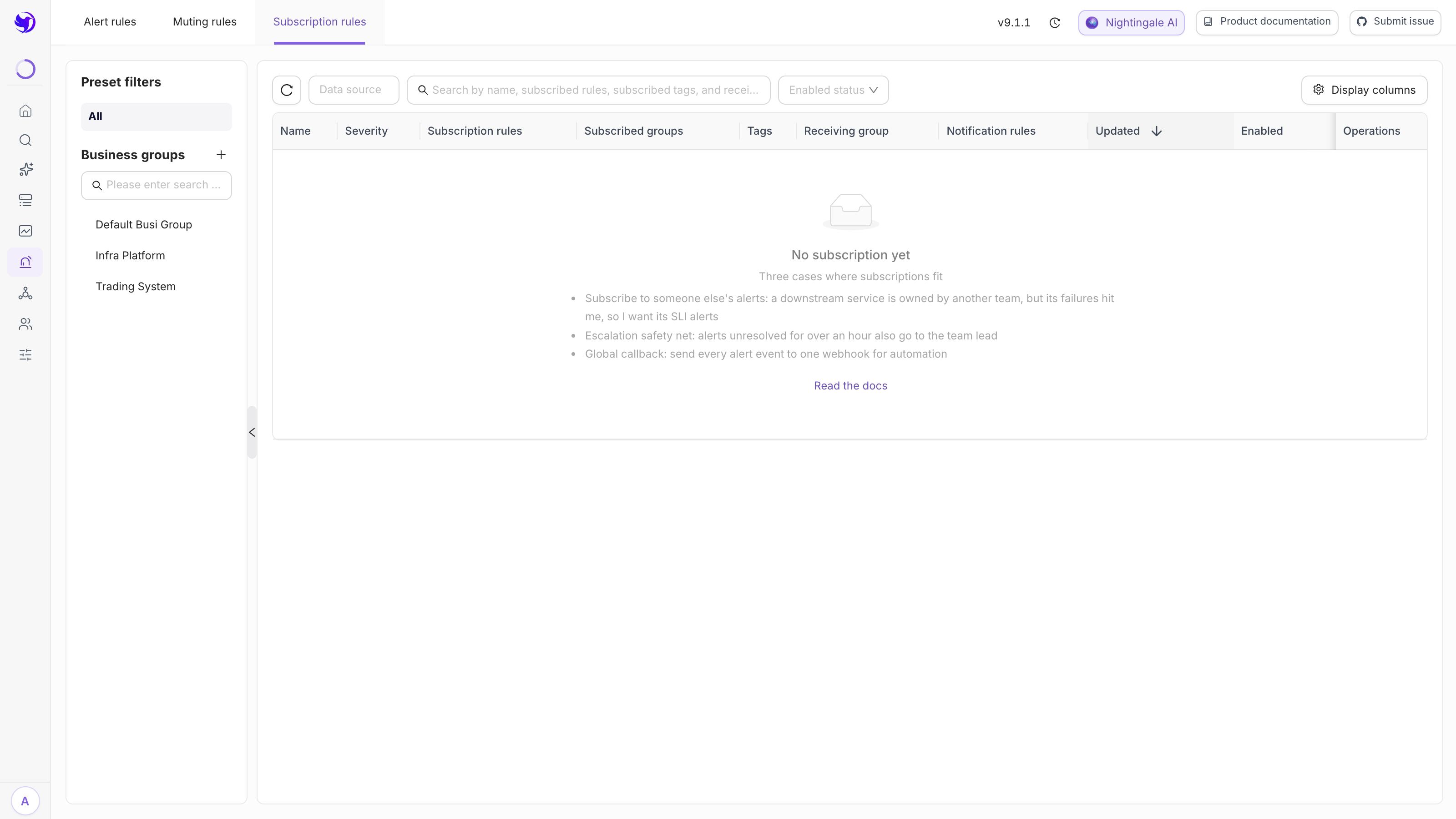
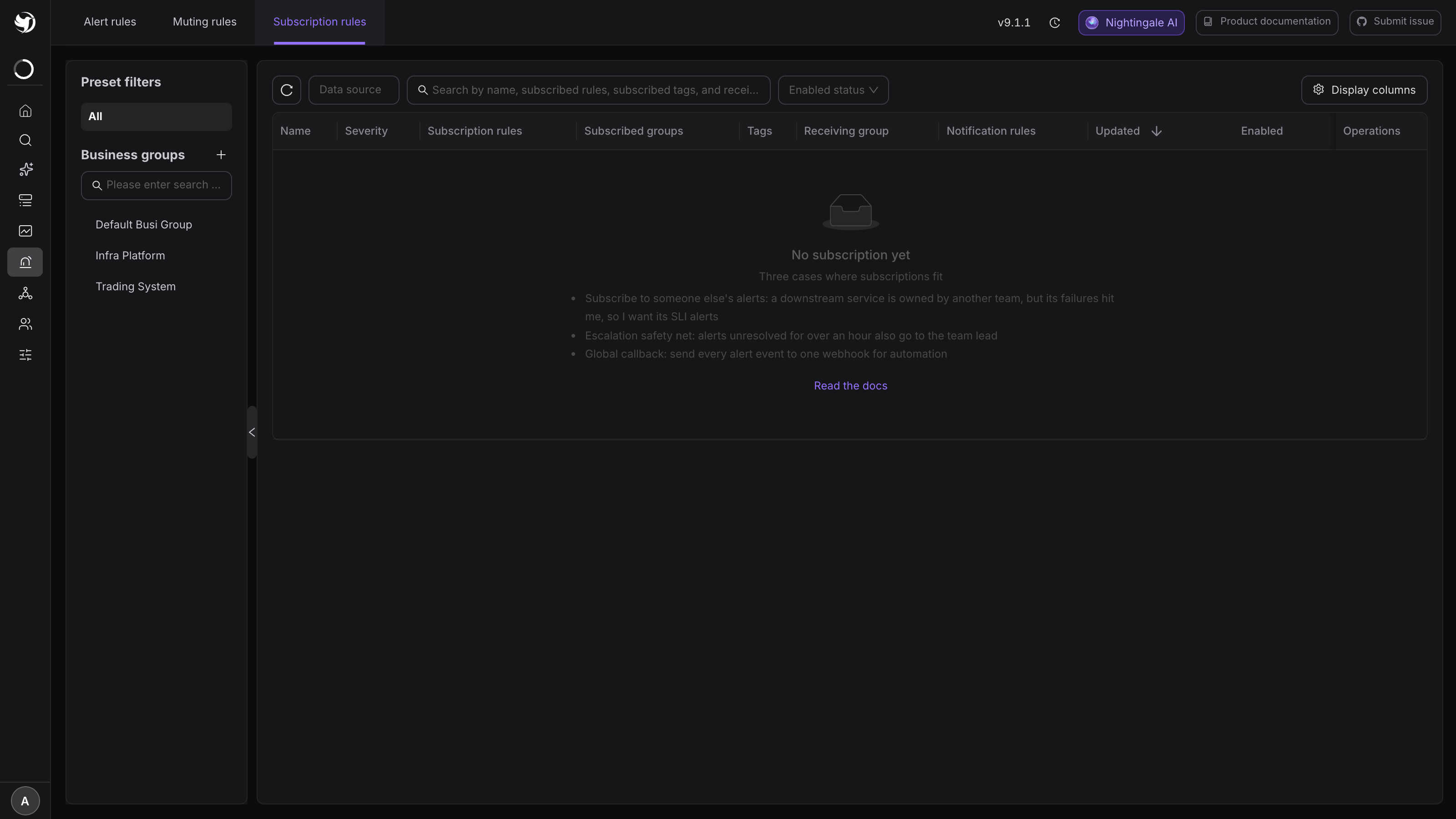
1. Create a subscription
Click Add. The form opens with the three cases this feature exists for:
- Subscribe to someone else's alerts: a downstream service is owned by another team, but its failures hit me, so I want its SLI alerts;
- Escalation safety net: alerts unresolved for over an hour also go to the team lead;
- Global callback: send every alert event to one webhook for automation.
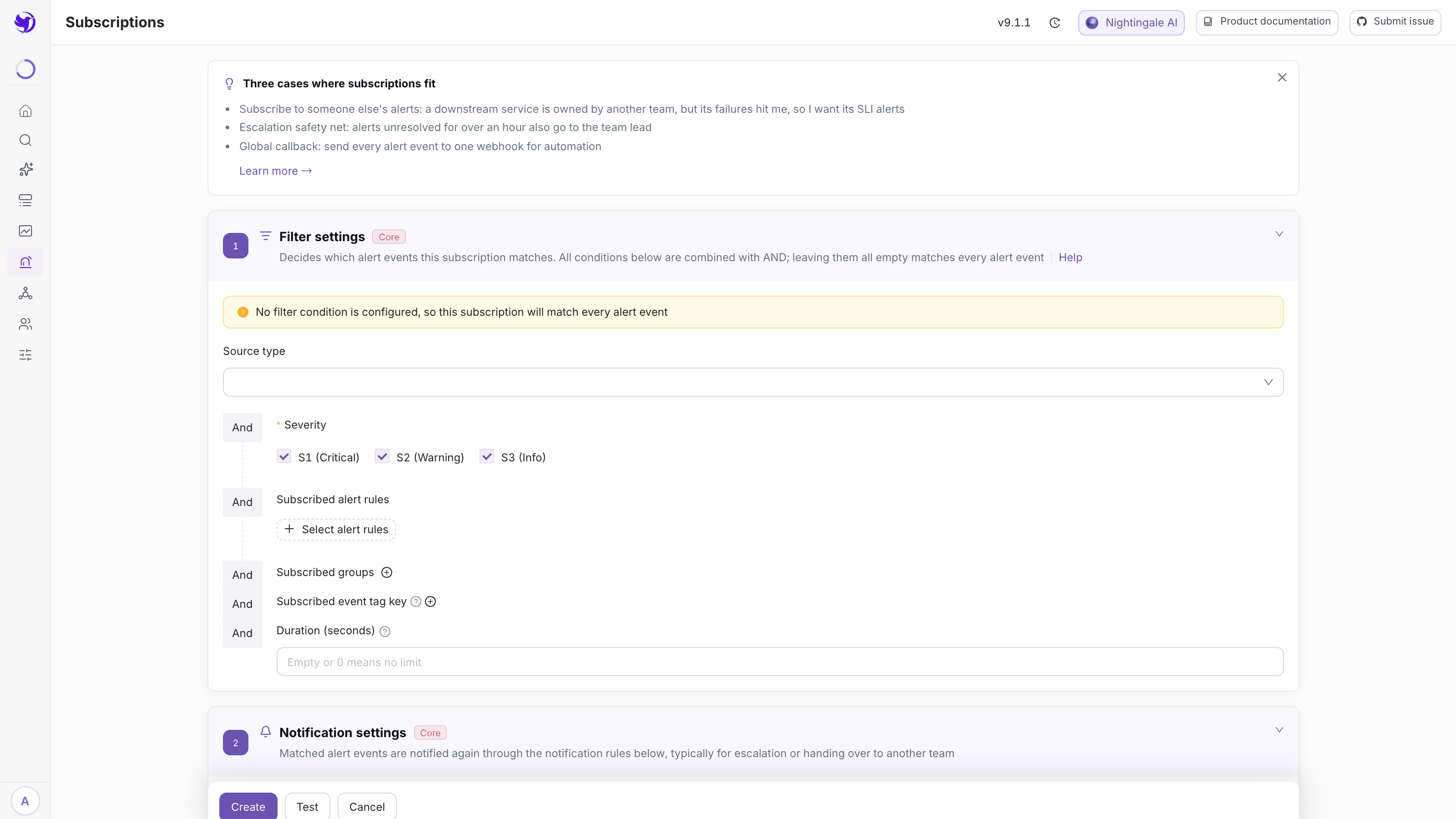
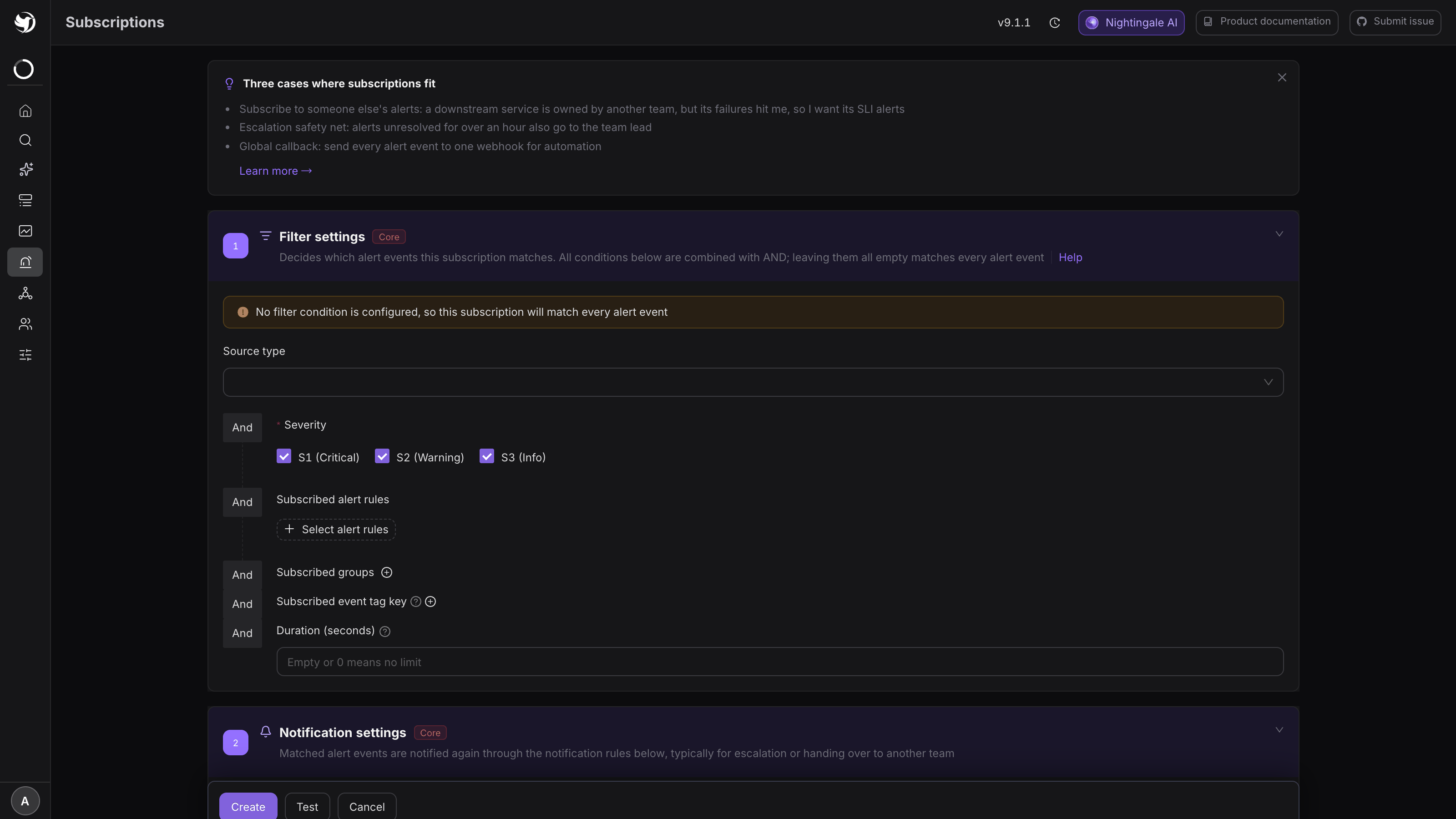
2. Filter settings: which events count
Conditions are AND-ed, and leaving them all empty matches every alert event (a yellow banner warns you).
| Field | What it does |
|---|---|
| Source type | Empty = unrestricted |
| Severity | Required, tick at least one. None ticked matches nothing |
| Subscribed alert rules | Click "Select alert rules" to pick specific rules; none selected = no restriction by rule |
| Subscribed groups | Use in / not in to name the source business groups |
| Subscribed event tag key | The same six operators as mute rules: == != =~ !~ in not in |
| Duration (seconds) | Empty or 0 = no limit |
Duration is the escalation lever. Setting 3600 means: the first time an event matches this subscription nothing is sent; on each later match, "current trigger time − time it first matched" is computed, and only past 3600 seconds does it actually notify. A subscription of "over an hour, tell the lead" gives you a safety net.
Subscriptions filter on labels, so precise subscribing depends on the source rules carrying
useful ones. Add business dimensions such as app or team in the rule's append-labels — see
Labels, annotations and severity.
3. Notification settings: whose rules send it
In the Notification settings section, click Select notification rule and pick at least one — matched events are notified again through the rules you choose. Picking none means a subscription nobody receives, and saving is blocked.
These are your notification rules, so media type, message template, applicable severities and time windows are all yours to decide, and the source rule's owner never has to know who subscribed. See Notification rules.
Finish with Name (auto-generated from the settings above, editable) and the Enabled switch.
4. Save and verify
Beside Create there is Test: it runs this subscription's match conditions against events that already happened, so you can confirm the hits before it goes live.
After saving, check the list shows Enabled. Real verification waits for a matching event — open that event in Active events and look at its notification records; the send through your notification rule should be there.
A subscription is not a forward
The semantics are "I also want to receive events matching this":
- The source rule's own recipients still get their copy, and the subscriber gets another one. Somebody on both sides receives two identical notifications;
- The subscribed copy does not trigger self-healing a second time — self-healing hangs off the source rule and runs once;
- The subscription belongs to your business group but subscribes to another group's events. For how the two relate, see Business groups.
What catches people out
- When nothing matches, look at the source event's real labels. Tag conditions are AND-ed; one mismatch and it is out. Open the event in the active list and compare row by row.
- Do not skip "Subscribed groups". Label conditions alone easily pull in events from every business group that happens to use the same label name.
- Subscriptions amplify storms. Several hundred events on the source side become several hundred on yours. Address a team rather than a person, and use Duration to keep brief flapping out.
- Disabling beats deleting. While working out "who keeps sending me these", turn the subscription off for a cycle first, then decide.
Next
- The opposite need, keeping something quiet: Mute rules
- Which path a subscribed event takes: Conditional routing
- The order all of this happens in: Noise reduction and routing model
- Subscribed but nothing arrives: Why is there an alert event but no notification?