Email / Phone / SMS
SMTP settings, and voice and SMS through Aliyun and Tencent Cloud.
Last reviewed
Where this page ends: a working email media type, and — if you need them — SMS and voice media types through Aliyun or Tencent Cloud. The big difference from a chat bot is that these are addressed per person, so your users also have to have an email address and a phone number on file.
Email: SMTP lives on the media type
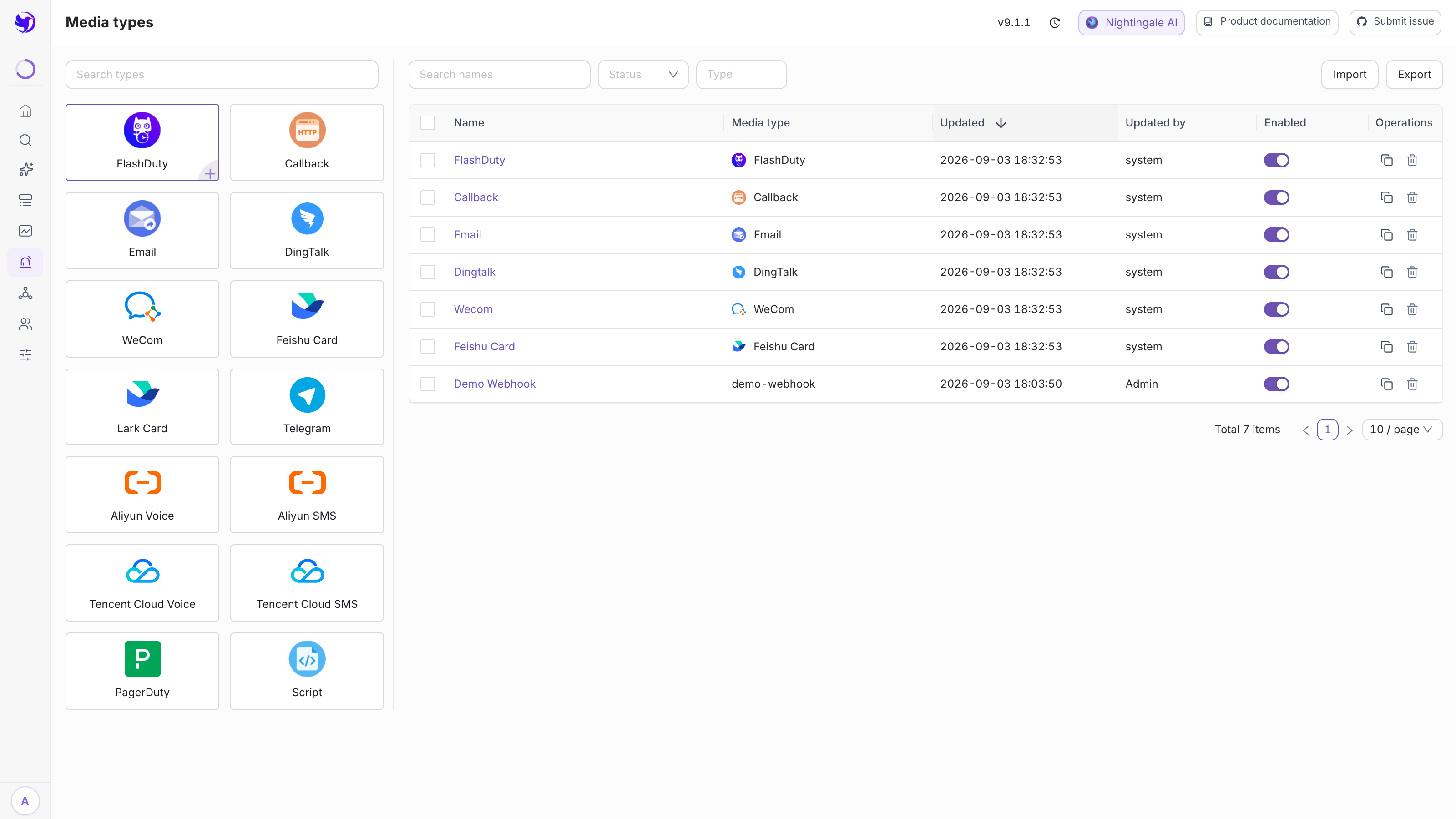
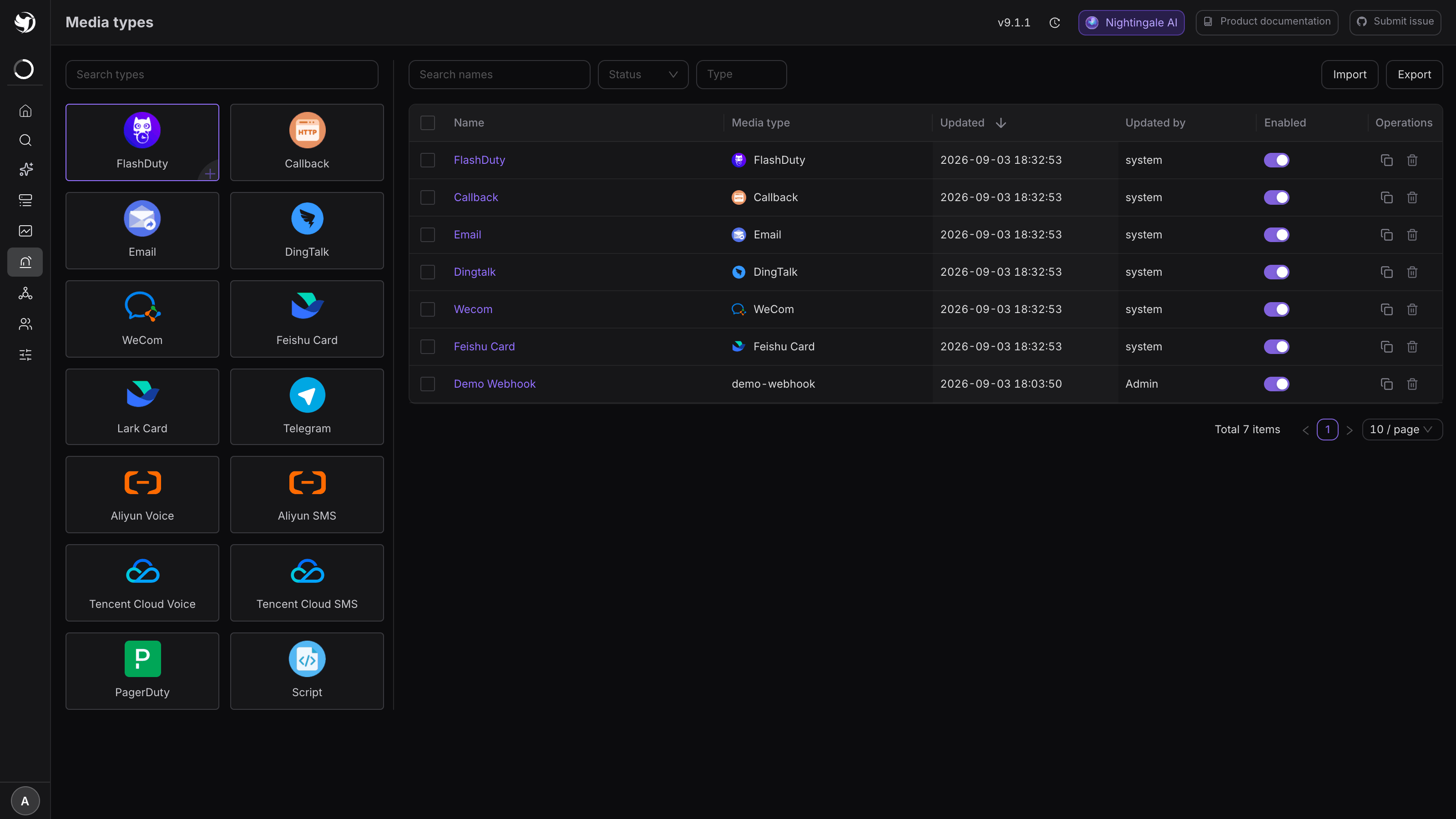
Alerts & Notifications → Media types, then Email in the type panel on the left. The
open-source edition ships a media type called Email; edit that rather than creating a new
one.
The SMTP block:
| Field | Notes |
|---|---|
| Host | The SMTP address, e.g. smtp.example.com |
| Port | 25 (plaintext, not recommended), 465 (SSL), 587 (STARTTLS) |
| Username | Usually the full email address |
| Password | Login password or app password. The SMTP fields are used verbatim and cannot reference variables, so this one is stored in the clear |
| From | alert@example.com, or Nightingale <alert@example.com> |
| Skip certificate verification | Only for self-signed certificates, and only as a stopgap |
| Batch | How many mails per SMTP connection; 0 opens a new connection for each, and an idle connection closes after 30 seconds |
Leave Variable configuration → Contact key set to Email. That field decides how "who the
recipients are" turns into an address: Email reads the user's email, Phone reads their
phone number, and a custom contact key reads that entry from the user's profile.
Once it is filled in, use Test at the bottom to really send one, and only save after it arrives.
SMTP settings for common providers
| Service | Host | Port | What goes in Password |
|---|---|---|---|
| Aliyun Mail (business) | smtp.qiye.aliyun.com | 465 | Login password |
| Tencent Exmail | smtp.exmail.qq.com | 465 | Login password |
| 163 / 126 | smtp.163.com / smtp.126.com | 465 | App password (enable SMTP in the web UI first) |
| QQ Mail | smtp.qq.com | 465 | App password |
| Gmail | smtp.gmail.com | 587 | App Password (requires 2FA) |
| Outlook / Microsoft 365 | smtp.office365.com | 587 | Account password or app password |
A trap specific to cloud VMs: many providers block outbound port 25 by default, which shows
up as i/o timeout. Use 465 or 587.
Where recipients come from
Media types like SMS, voice and email add Users / Teams fields to the notification rule, and the two cannot both be empty. At send time they resolve like this:
- Expand users and teams into one list of users, deduplicated;
- Read the field named by the media type's contact key (
Email→ email,Phone→ phone); - Users with an empty value are skipped silently, with no error.
Step 3 is the usual reason "some people never get anything". Go to Organization → Users, edit the user, and fill in the email address and phone number.
Besides the built-in Phone and Email, an admin can add custom contact keys from the gear
icon next to Contact key on the media type form — an internal employee ID, say.
Phone and SMS: four cards
The type panel has four cards: Aliyun SMS, Aliyun Voice, Tencent SMS and Tencent
Voice. All four are http media types; Nightingale computes each vendor's signature at send
time (Aliyun ACS3-HMAC-SHA256, Tencent Cloud TC3-HMAC-SHA256) and strips the keys out of the
logs.
What they have in common:
- The contact key is fixed to
Phone, so numbers come from the user profile; - The request refers to the current recipient's number as
{{ $sendto }}; - One call carries one number — several recipients mean several calls in a loop.
Where they differ is where the credentials go:
| Media type | Credential location | Key fields |
|---|---|---|
| Aliyun SMS | Query parameters | AccessKeyId, AccessKeySecret, SignName, TemplateCode |
| Aliyun Voice | Query parameters | AccessKeyId, AccessKeySecret, TtsCode, CalledShowNumber |
| Tencent SMS | Headers | Secret_ID, Secret_Key, X-TC-Region; SignName, SmsSdkAppId, TemplateId in the body |
| Tencent Voice | Headers | Secret_ID, Secret_Key; TemplateId, VoiceSdkAppid in the body |
The two Aliyun cards also pre-set a Host header (dysmsapi.aliyuncs.com /
dyvmsapi.aliyuncs.com). The signature depends on it — do not delete it.
The placeholders you must replace
The form is pre-filled with Chinese placeholder hints such as "replace with the real access_key_id" and "replace with the real template id". Every one of them has to go, replaced with the real values from your cloud console:
- SMS needs an approved signature and template (Aliyun calls it a template code, Tencent a template ID) before anything sends;
- Voice needs a TTS template. If you have no approved caller ID for Aliyun's
CalledShowNumber, delete the whole row rather than leaving it empty; - Change Tencent's
X-TC-Regionto your actual region, e.g.ap-guangzhou.
Phone number formats differ: Tencent Cloud wants E.164 (+86138…). The built-in Tencent
Voice body already hard-codes the +86{{ $sendto }} prefix, so the profile must not repeat
it; the built-in Tencent SMS body has no prefix, so either store the number as +86… in the
profile or edit the body to "+86{{ $sendto }}".
SMS and voice use different template fields
| Media type | How the request references it | Fields the template must have |
|---|---|---|
| Aliyun SMS / Voice | {{$tpl.incident}} | incident |
| Tencent SMS / Voice | {{$tpl.content}} | content |
| fixed | subject, content |
The built-in Aliyun SMS / Aliyun Voice templates set incident to a single line,
{{$event.RuleName}}, because vendor template variables have tight length limits (a single
Tencent Voice variable is capped around 30 characters). If your rule names are long, clone the
template and shorten it — the vendor will not truncate for you.
Common errors
| Error | Cause |
|---|---|
535 Authentication failed | The mailbox wants an app password rather than the login password, or SMTP is disabled |
i/o timeout (email) | Port 25 is blocked; use 465 or 587 |
x509: certificate signed by unknown authority | Self-signed certificate; turn on "skip certificate verification" temporarily |
SignatureDoesNotMatch | Whitespace pasted into the key, or the Host header was deleted |
isv.SMS_SIGNATURE_ILLEGAL / FailedOperation.SignatureIncorrectOrUnapproved | The signature is unapproved, or does not match the console byte for byte |
isv.MOBILE_NUMBER_ILLEGAL / InvalidParameterValue.InvalidPhoneNumber | Wrong number format, usually a missing or duplicated +86 |
AuthFailure.SignatureFailure (Tencent) | Wrong key, or the server clock is more than 5 minutes off |
Failure details live in the event's Notification records — see Retries and delivery status.
Next
- Chat bots instead: DingTalk / Feishu / WeCom
- Phone for S1, email for S3: Notification rules
- Move secrets out of HTTP media types (SMTP fields do not support this): Variables