MySQL / PostgreSQL / TDengine
Alert on a business database directly: read-only credentials, the SQL a rule runs, and guarding against slow queries.
Last reviewed
Some numbers never reach a time series database at all: pending orders, payment failure rate, how long ago the last row landed in a table. There is no need to export those as metrics and scrape them — Nightingale can connect to the business database directly, run a SQL statement on a schedule, and judge the result.
Where this page ends: a read-only account, a connected database source, and a SQL alert rule that runs without dragging the database down.
What each can do in the open-source edition
Three databases on one page, with different capability boundaries:
| Register a source | Alert rules | Metrics explorer | Dashboards | |
|---|---|---|---|---|
| MySQL | ✓ | ✓ | — | — |
| PostgreSQL | ✓ | ✓ | — | — |
| TDengine | ✓ | ✓ | ✓ | ✓ |
In the open-source edition MySQL and PostgreSQL land in alert rules only; the explorer and dashboards cannot select them. To check whether a statement is correct, use the Preview button inside the alert rule form — in the open-source edition that is the only surface that executes SQL against a business database. TDengine has no such limit.
Start with a read-only account
Don't connect as root. Least privilege pays off directly here: a wrong config, a leaked credential or a runaway statement all stop at the account's permissions.
-- MySQL
CREATE USER 'n9e_readonly'@'%' IDENTIFIED BY '<password>';
GRANT SELECT ON business_db.* TO 'n9e_readonly'@'%';
FLUSH PRIVILEGES;
-- PostgreSQL
CREATE ROLE n9e_readonly LOGIN PASSWORD '<password>';
GRANT CONNECT ON DATABASE business_db TO n9e_readonly;
GRANT USAGE ON SCHEMA public TO n9e_readonly;
GRANT SELECT ON ALL TABLES IN SCHEMA public TO n9e_readonly;
GRANT SELECT only, and only on the database you actually query. Pin the source address too —
'n9e_readonly'@'10.0.0.%' beats @'%'.
Register the data source
Integrations → Data sources → Add, then pick MySQL, PostgreSQL or TDengine.
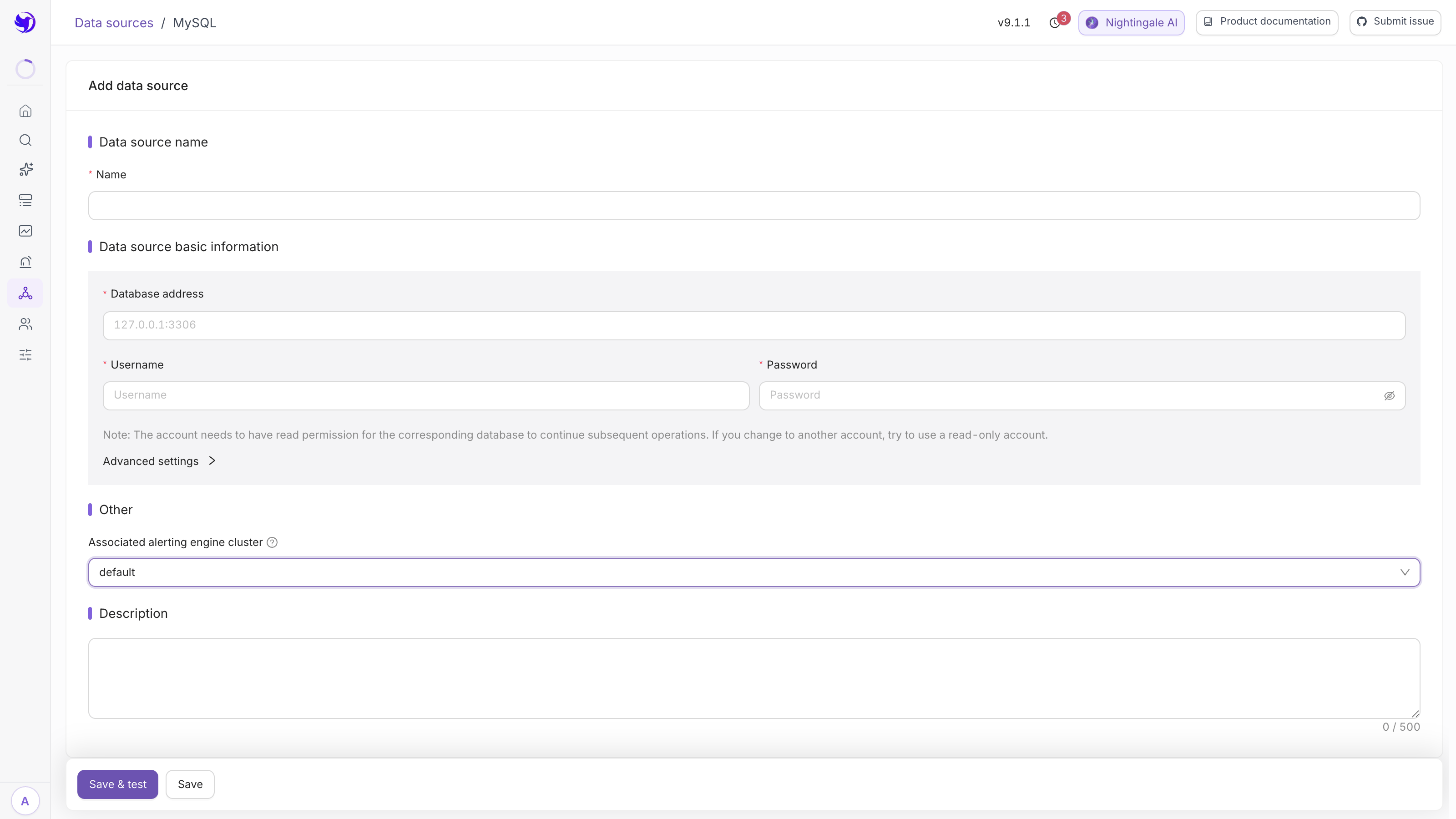
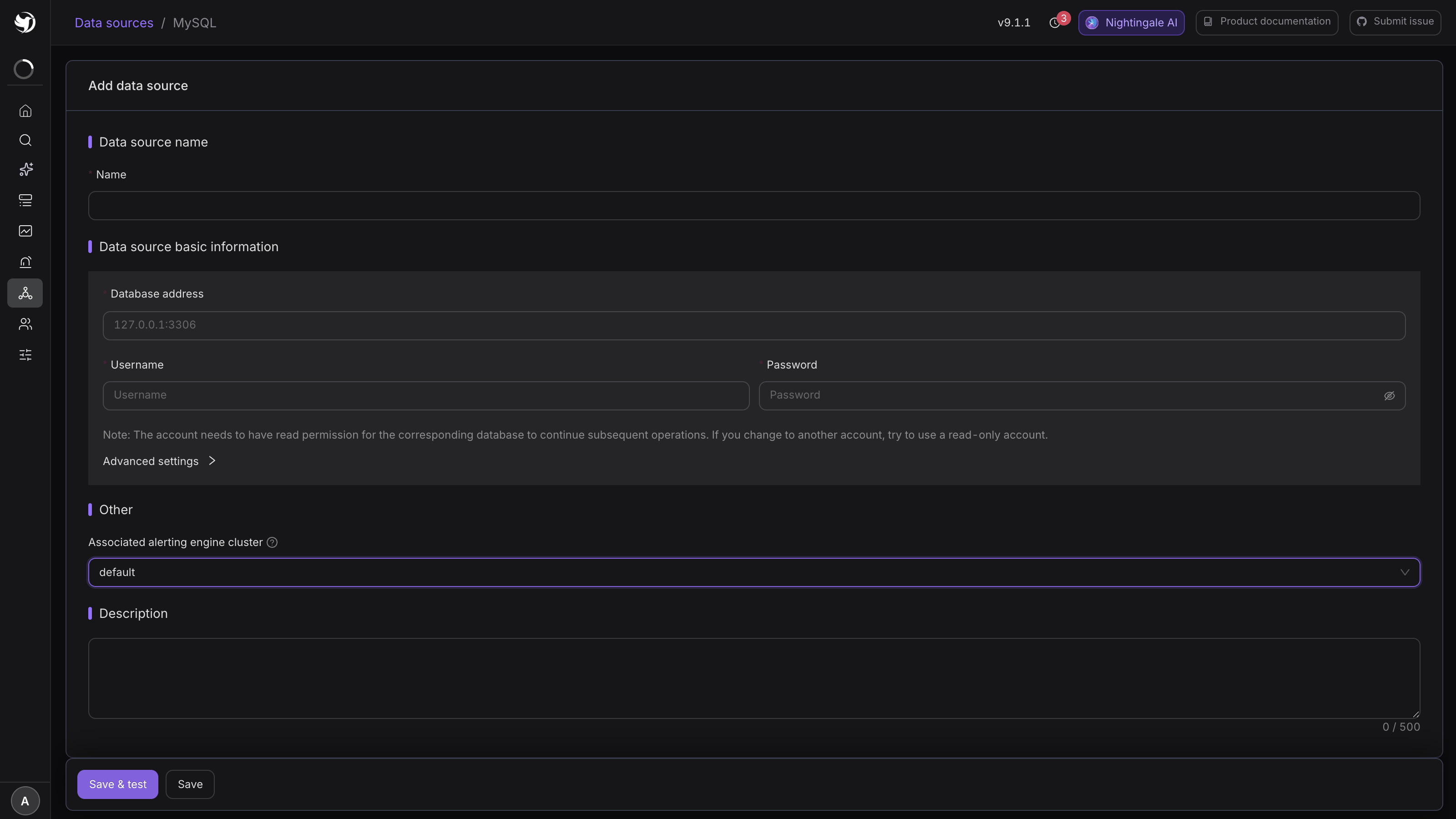
MySQL and PostgreSQL share one form; only the default port differs:
| Field | Notes |
|---|---|
| Database address | Required. 127.0.0.1:3306 (MySQL) / 127.0.0.1:5432 (PostgreSQL), no scheme |
| Username / Password | Both required. Use the read-only account from the previous step |
| Timeout (unit: seconds) | Defaults to 60 |
| Maximum number of rows allowed to be retrieved in a single request | Defaults to 500, required |
| Max idle / max open connections | Default 10 / 100. Lower them if the database is tight on connections |
| Maximum connection lifetime (unit: seconds) | Defaults to 14400 |
TDengine talks over its REST interface and needs fewer fields: URL http://localhost:6041, timeout
in milliseconds (10000 by default), user and password as needed. The connectivity test posts
show databases to <URL>/rest/sql.
For all three, make sure Associated alerting engine cluster is not empty — rules against a source with no engine are never evaluated.
The SQL a rule runs
Alerts & Notifications → Alert rules → Add, data source type MySQL / PostgreSQL / TDengine, then select the source. The query is a SQL statement — it plays the same role PromQL plays in a metric rule.
The statement has to satisfy two things: a bounded number of rows, and at least one numeric column.
-- pending orders piling up
SELECT count(*) AS pending
FROM orders
WHERE status = 'PENDING'
  AND created_at > NOW() - INTERVAL 10 MINUTE
-- failure rate per channel
SELECT channel,
       sum(CASE WHEN status = 'FAIL' THEN 1 ELSE 0 END) AS failed,
       count(*) AS total
FROM payments
WHERE created_at > NOW() - INTERVAL 5 MINUTE
GROUP BY channel
-- freshness: how many seconds since the last row
SELECT TIMESTAMPDIFF(SECOND, MAX(updated_at), NOW()) AS lag_seconds
FROM sync_state
The TDengine editor adds SQL templates and a time field / time format pair — which column is the time axis and how to parse it.
Which column is the number
SQL returns a table; Nightingale turns it into series with two auxiliary settings:
- Value field (required): which columns hold numbers for the threshold to judge;
- Label field (optional): which columns become labels, normally the
GROUP BYcolumns.
In the second example above, pick failed and total as value fields and channel as the label
field, and the threshold becomes:
$A.failed / $A.total * 100 > 5
Every row the SQL returns is an independent series, judged on its own. Three channels means at
most three events, each carrying its own channel label.
Click Preview when the statement is written, confirm the column names and row count match what you expect, and only then set a threshold.
Guarding against slow queries
This statement runs against your production database, over and over, at the evaluation frequency. Think about the cost before you write it:
- Bound the time range in
WHERE, on an indexed column.created_at > NOW() - INTERVAL 5 MINUTEis orders of magnitude cheaper than a full-table count; - Match the frequency to the cost. A statement that takes three seconds does not belong on a 15-second schedule; start business-database queries at 60 seconds;
- Never
SELECT *. Return only the columns that take part in the judgement; - Let the row cap do its job. Maximum rows retrieved per request defaults to 500; raising it to tens of thousands defeats the point — it exists to contain "one statement unexpectedly returned a million rows";
- Keep the timeout short. For MySQL and PostgreSQL it is in seconds, 60 by default; setting it to several hundred throws that protection away.
If the query really is expensive, the fix is not tuning these fields — it is building a pre-aggregated table (materialized view, scheduled job) in the database and pointing Nightingale at that.
Next
- Writing SQL rules properly: SQL alert rules
- Getting events to a person: Notifications
- Bulk log and detail stores: ClickHouse / Doris / IoTDB