Share, embed and integrate external systems
Embed Nightingale into an existing portal, hide menus selectively, and pass identity through.
Last reviewed
Where this page ends: extra entries in the Nightingale side menu that open your other systems, and a way to embed Nightingale pages into your own portal without asking people to log in a second time.
Two directions, don't mix them
- Others come in. Embedded products hangs an external page into the Nightingale side menu as an iframe. It has a configuration page under Integrations.
- Nightingale goes out. Embedding Nightingale pages into another portal is done with URL parameters plus proxy authentication. There is no configuration page — you edit the config file and the link.
Embed an external system into Nightingale
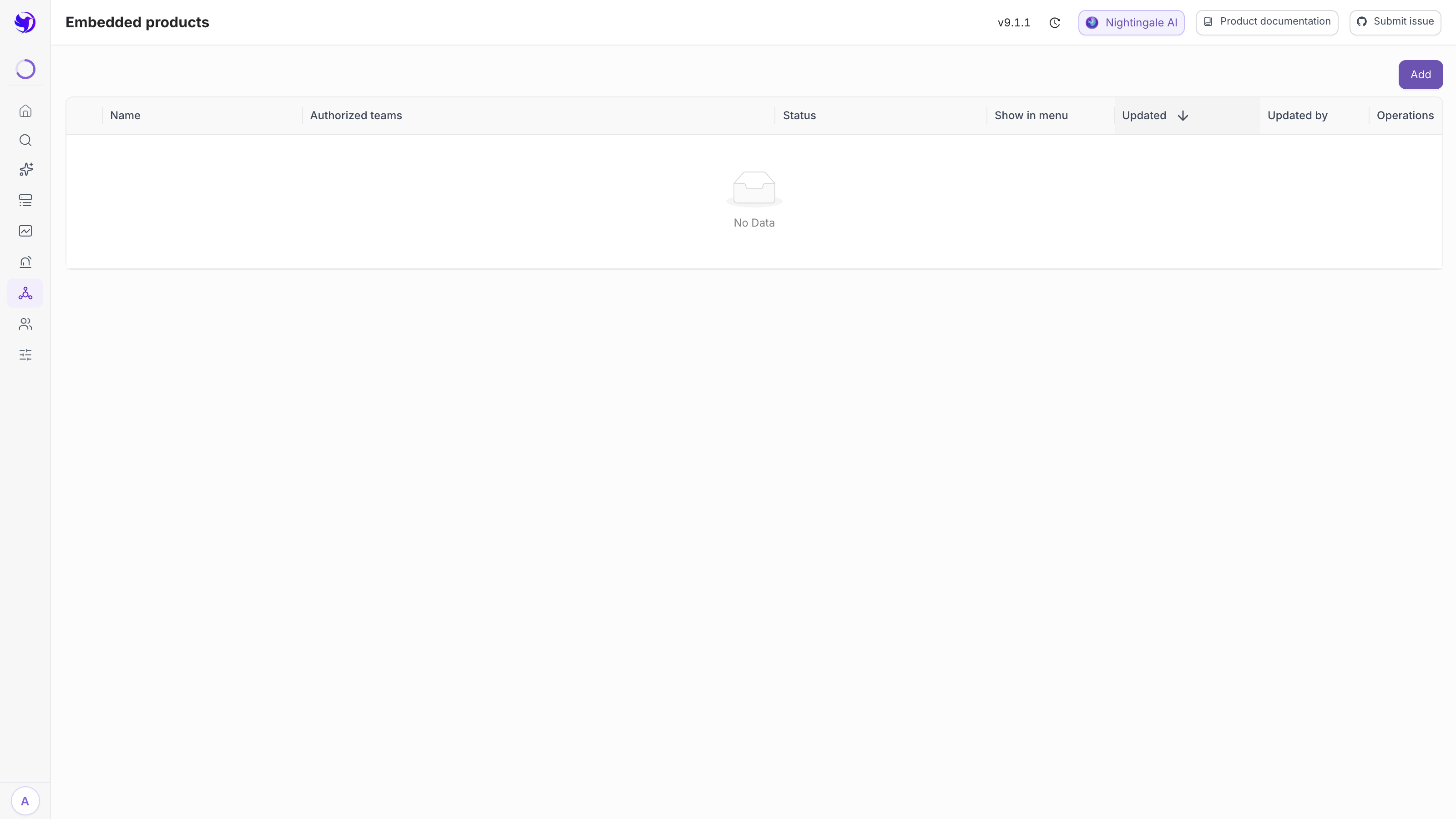
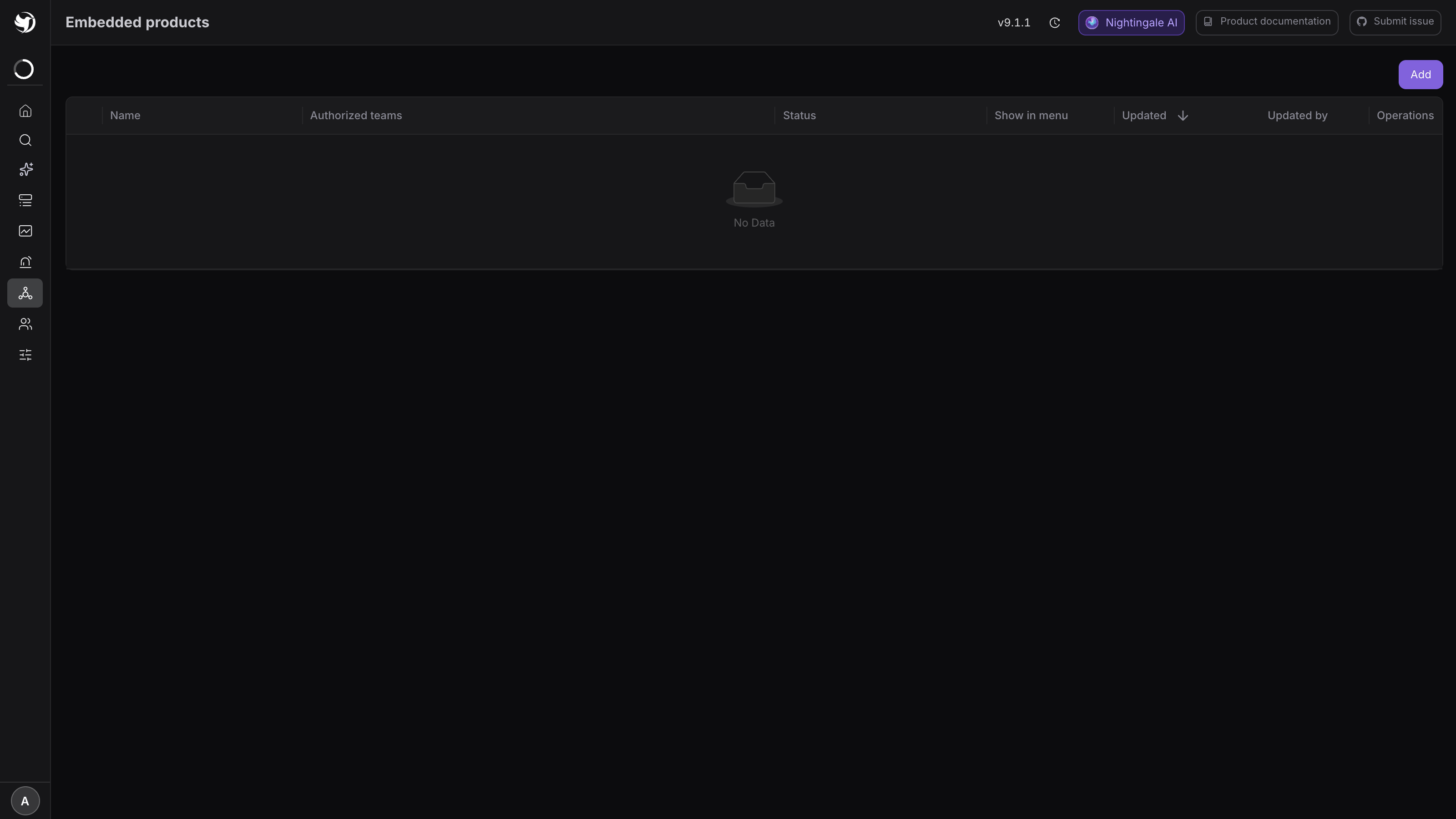
Integrations → Embedded products (/embedded-products), then Add.
| Field | What to put in it |
|---|---|
| Name | The menu label in the side bar; keep it short |
| URL | The full URL to embed, e.g. https://cmdb.example.com/hosts |
| Visibility | Visible to logged-in users, or Visible to specific teams (then pick the teams) |
Save. Expected result: a new entry at the bottom of the side menu that loads the page in the main area (a browser refresh is sometimes needed).
Each row in the list carries two more controls: Show in menu keeps the configuration but hides the entry — handy for taking something down temporarily; and the handle at the start of the row reorders the entries in the side menu.
The usual candidates are a CMDB, a ticketing system, or the team's runbook wiki, so that acting on an alert does not mean switching browser tabs.
A blank frame almost always means the other side refuses
Nightingale is only the iframe container here; whether embedding works is decided entirely by the other side's response headers:
| Their response header | Result |
|---|---|
X-Frame-Options: DENY or SAMEORIGIN | The browser refuses, the iframe is blank |
Content-Security-Policy: frame-ancestors 'self' | Same |
| Neither header, or your domain explicitly allowed | It embeds |
The browser console spells it out: Refused to display ... in a frame because it set 'X-Frame-Options', or Refused to frame ... because an ancestor violates ... frame-ancestors.
Two fixes: have them add Content-Security-Policy: frame-ancestors https://<your-nightingale>,
or put an nginx reverse proxy in front of their site that rewrites the headers and point the
entry at the proxy.
Cookies are the second layer. If their session cookie is SameSite=Lax/Strict it is not sent
inside a cross-site iframe, so the user just sees a login page. Either they switch to
SameSite=None; Secure, or both sides move behind the same SSO.
Embed Nightingale in another portal: hide the chrome first
Nightingale honours three URL parameters, on any page:
| Parameter | Effect |
|---|---|
?menu=hide | Hides the side menu; the page body renders normally |
?viewMode=fullscreen | Dashboard detail only: hides the page header too, leaving just panels |
&themeMode=dark / light | Pins light or dark instead of following the browser |
For example, a dashboard embedded as a bare canvas:
<iframe src="https://n9e.example.com/dashboards/12?viewMode=fullscreen&themeMode=dark"
        width="100%" height="800" frameborder="0"></iframe>
There is no way out of viewMode=fullscreen from inside an iframe — the exit shortcut is
blocked by iframe security, so the parameter has to be removed from the URL by hand. The
product says as much in its own hint.
If all you want is to expose one dashboard to someone outside, do not use this route. Use
anonymous time-limited sharing instead: /dashboards/share/<id>?__token=
already renders without the menu, and it expires on its own.
Pass identity through
When the portal already has its own login, use proxy authentication so nobody signs in twice:
[HTTP.ProxyAuth]
Enable = true
# which request header carries the username
HeaderUserNameKey = "X-User-Name"
# roles given to a user auto-created from a username Nightingale has not seen
DefaultRoles = ["Standard"]
The portal or gateway adds X-User-Name: <username> when forwarding to Nightingale.
Nightingale looks the user up by that header, and creates the account with DefaultRoles if
it does not exist yet.
Three things you must get right, or this becomes an open impersonation endpoint:
- Only a proxy you control may set that header, and it must unconditionally strip an incoming header of the same name at the edge — otherwise anyone can become anyone by adding a header;
- Bind Nightingale to an internal address reachable only from the gateway, never straight to the internet;
- Enabling
ProxyAuthdisables JWT login: Nightingale's own login page stops working and the logout endpoint returns an error. It is a one-way switch, so decide before you flip it.
What this does not cover
- Visibility only controls who sees the entry in the side menu. It is not a security boundary for the embedded system — Nightingale has no say once a user hits that URL directly, so the embedded system must authenticate on its own.
- There is no URL parameter that hides a named subset of menus.
menu=hideis all or nothing; to tailor menus per person, use roles and permission points — see Roles and permissions.
Next
- Expose a single board: Anonymous time-limited sharing
- Already running Grafana: Use Grafana with Nightingale
- Who sees what: Users and teams